Call Us Today! +18447427438 | [email protected]


Keyless Entry and Access Control Systems for Small Businesses in Canada

Running a small business involves more than serving customers and managing daily operations. Business owners also need to control who can enter their premises, protect valuable equipment, and ensure employees can access the areas they need to do their jobs.
Traditional keys can work well for some businesses, but managing multiple keys becomes complicated as teams grow, employees change roles, or additional locations open. Access Control Systems for Small Businesses offer a more flexible way to manage entry using technologies such as keycards, PIN codes, mobile credentials, and electronic door locks.
For Canadian businesses, choosing the right system means considering the type of premises, number of employees, entry requirements, network reliability and ongoing management needs.
This guide explains how keyless entry works, which options to consider, what affects installation costs and how to choose a system that fits your business.
What Are Access Control Systems for Small Businesses?
Access control systems allow businesses to manage who can enter a building or a particular area. Instead of relying exclusively on traditional keys, an electronic system checks a credential, such as a keycard, PIN or authorised mobile device, before granting access.
Depending on the equipment, a system may include electronic locks, card readers, a keypad, a controller, management software and a record of access events.
For example, a small professional office might allow employees to enter through the main door while restricting access to a storage room containing sensitive documents or expensive equipment.
A suitable system can help business owners organise permissions, manage staff access and reduce the need to distribute physical keys.
The exact features available depend on the selected hardware and software. Not every access control system includes remote management, detailed reporting or integration with other security equipment.
Why Canadian Small Businesses Are Choosing Keyless Entry
Keyless entry is not just about replacing a metal key with a digital credential. It can change how a business manages access as its daily operations evolve.
1. Easier Employee Access Management
When an employee joins your team, you can assign an appropriate credential or permission, depending on the system.
If that employee leaves or no longer needs access to a particular area, their credential can be deactivated or their permissions changed without necessarily replacing a physical lock.
This can be especially useful for businesses with changing staff schedules, part-time employees, or multiple departments.
It is important to establish a clear process for issuing, reviewing, and removing access permissions rather than allowing credentials to remain active indefinitely.
2. Fewer Problems With Lost Keys
Lost keys can create uncertainty, particularly if it is unclear who has a copy. Depending on the lock and circumstances, a business may need to change the lock or rekey it to restore control.
Electronic access systems offer another option. If a credential is lost, an administrator may be able to deactivate it and issue a replacement.
This does not eliminate every security risk. Shared PINs, stolen devices and improperly managed accounts can still create problems. Individual credentials and sensible access procedures help make the system more manageable.
3. Different Permissions for Different Areas
Not every employee needs access to every part of a business.
A retail shop may want staff to enter the main work area while restricting access to an office, stockroom, or cash handling area. A professional office may need separate permissions for reception, administration and equipment rooms.
Access Control Systems for Small Businesses can be configured to reflect these differences, provided the selected system supports the required permissions.
Planning access by role can help keep the system straightforward and prevent unnecessary access.
4. Better Visibility Into Entry Events
Some systems maintain records of access attempts, successful entries and denied credentials. Depending on the system, these records may help an authorised manager review an incident or investigate an unexpected entry.
Records should be managed carefully. Decide who can access them, how long they need to be retained and how they will be protected.
Access logs are not a substitute for every other security measure, and their availability and detail vary by product.
5. More Convenient Access for Approved Users
Keycards, PINs and mobile credentials can make entry more convenient for authorised employees.
Certain systems also support remote administration, allowing authorised managers to update permissions without being physically present at the door.
For businesses with more than one location, a central management platform may make it easier to oversee access across sites. Confirm that the chosen system supports the number of locations and devices you need.
Types of Keyless Entry Systems for Small Businesses
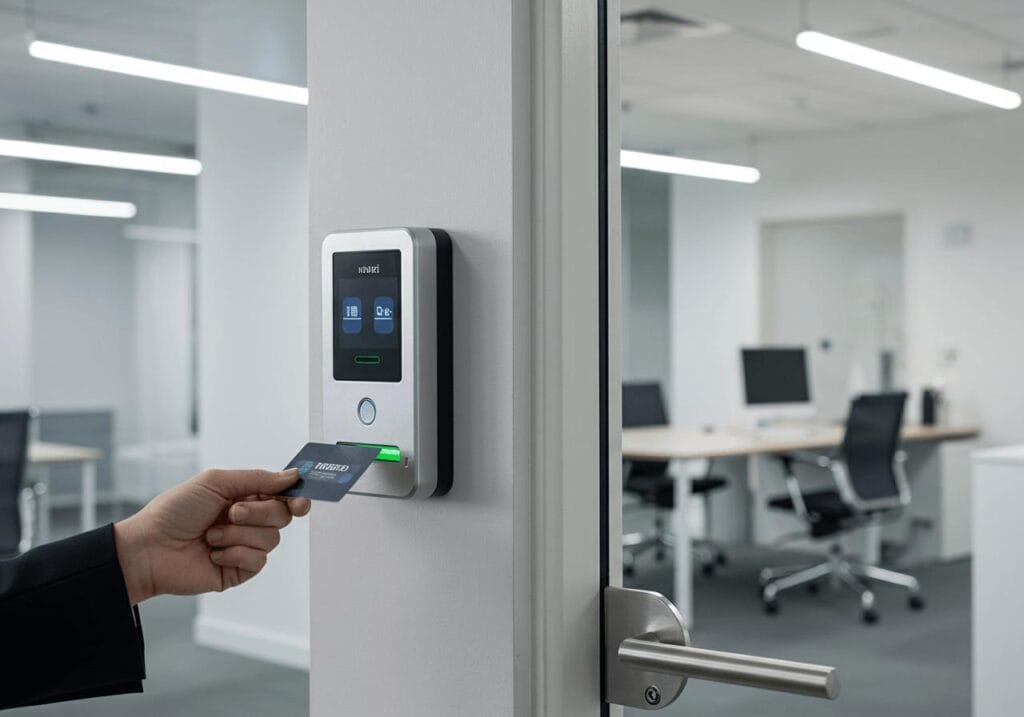
Different access methods suit different environments. The best choice depends on how many people use the premises, how often credentials need to change, and how sensitive the protected areas are.
Keycard and Key Fob Systems
Employees use a programmed card or fob to unlock a compatible door. Administrators can assign credentials and deactivate them when necessary.
Keycards can be useful for offices, clinics, retail premises and other workplaces where employees need regular access.
Before choosing a system, ask about credential security, lost-card procedures, replacement costs and compatibility with existing door hardware.
PIN Code Keypads
A keypad allows users to enter an assigned code to unlock a door.
This can be practical for small teams that need a simple entry method. However, shared codes can be passed to unauthorised people, and a code may need to be changed if it is disclosed.
Where supported, individual codes provide better accountability than a single code shared by the entire team.
Mobile Access Control
Some systems allow an authorised user to unlock a door using a compatible smartphone or other mobile device.
Mobile credentials can reduce the need to carry a separate card, and certain platforms allow administrators to manage access remotely.
Check device compatibility, connectivity requirements, account security and what happens if a phone is lost or unavailable.
Biometric Access Control
Some systems use characteristics such as fingerprints to verify identity.
Biometric systems may be appropriate for selected environments where stronger identity verification is needed, but they require careful consideration of privacy, data handling, cost and user acceptance.
A small business should evaluate whether biometric technology is genuinely necessary rather than choosing it simply because it is available.
Smart Locks and Electronic Door Hardware
Some doors can use electronic locks or connected locking hardware to provide keyless entry.
However, not every smart lock offers the same management features as a dedicated commercial access control system. A standalone smart lock may not support multiple users, detailed entry records, or central administration.
Before purchasing equipment, check the door type, lock compatibility, traffic levels and the access management features your business requires.
Which Businesses Can Benefit From Access Control?
Access control is relevant to many types of Canadian small businesses, although the right configuration varies.
Retail shops: Manage staff access to stockrooms, offices and other restricted areas.
Professional offices: Control entry to employee workspaces, records rooms and equipment areas.
Clinics and wellness businesses: Separate public reception areas from staff-only spaces and restricted storage areas.
Warehouses and workshops: Manage access to equipment, inventory and designated work zones.
Property management businesses: Coordinate access for authorised staff, contractors and other approved users, depending on the building and system.
Small multi-location businesses: Consider central administration when staff need access to more than one premises.
The goal is to match access permissions to real operational requirements, not to make entry unnecessarily difficult for employees or visitors.
What Affects the Cost of an Access Control System in Canada?
There is no single installation price that applies to every business. The total cost depends on the property, selected equipment, installation requirements and ongoing service needs.
Consider these factors when requesting a quotation.
Number of Doors
A system controlling one main entrance will usually have different equipment and installation requirements from a system managing several doors with separate permissions.
Count the doors that genuinely need controlled access and identify whether any require special locking hardware.
Existing Door Hardware
Some premises may have compatible doors and locks, while others need modifications or replacement hardware. Door material, frame condition, lock type and existing access arrangements can affect the work involved.
A site assessment can help identify these requirements before installation begins.
Access Method and Features
Keypads, cards, mobile credentials and biometric readers have different equipment and management requirements.
Additional capabilities such as remote administration, detailed reports and integration with other systems may also affect the overall budget.
Choose features based on how your business operates rather than assuming the most advanced system is always the best value.
Wiring and Network Requirements
Some systems use wired controllers and readers, while others rely on wireless communication or a combination of technologies.
The building layout, available cabling routes, power requirements and network configuration can affect installation complexity.
For connected systems, it is worth considering network reliability and how access will behave during an internet or power interruption.
Ongoing Management and Support
Depending on the platform, costs may include software subscriptions, cloud services, credential replacement, maintenance or technical support.
Ask the provider to identify any recurring charges and explain which services are included. Do not compare quotations based only on the initial equipment price.
How to Choose the Right Access Control System
Before selecting a product, work through the following steps.
Step 1. Identify Your Security Needs
Decide which doors and areas require controlled access. Consider employee entry, visitor movement, equipment storage and any areas where access should be limited.
Step 2. Count Users and Credentials
Estimate how many employees, contractors and other authorised users need access. Consider whether their permissions differ by role, location or schedule.
Step 3. Decide How Access Should Work
Determine whether keycards, PINs, mobile credentials or a combination would be most practical for your team.
Consider accessibility, ease of use, credential replacement and the process for handling lost devices.
Step 4. Review Management Features
Ask whether the system supports individual user permissions, remote changes, access records and multiple locations if these features are important to your business.
Confirm whether the management platform requires an ongoing subscription or a particular internet connection.
Step 5. Plan for Outages and Emergencies
Ask the installer what happens if electricity, the network or a management service becomes unavailable.
The appropriate behaviour depends on the door, lock, system design and the building’s safety requirements. Emergency exit arrangements must be considered separately from ordinary access permissions.
Step 6. Compare Complete Quotations
Request a breakdown of equipment, installation, configuration, training and recurring costs.
A professional assessment can help identify compatibility issues and determine whether your existing doors and infrastructure can be reused.
Installation Considerations for Canadian Businesses
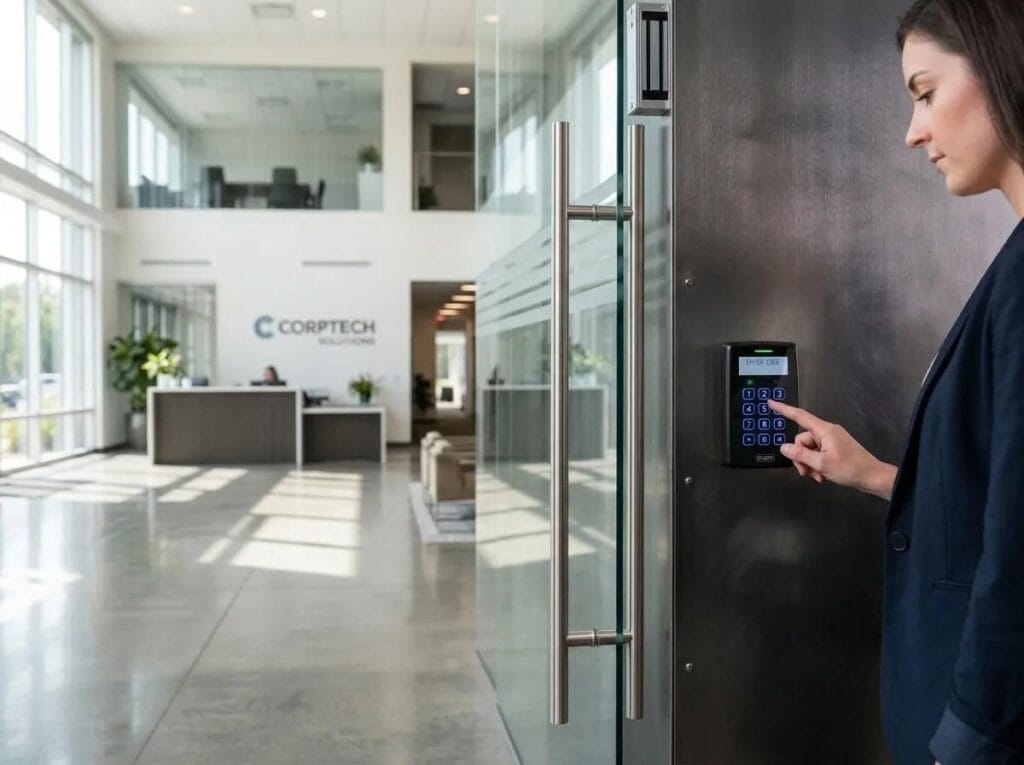
Access control installation should be planned around the actual building and the way people use it.
Start by identifying the doors, access methods, and user groups that need to be supported. Then confirm the required locking hardware, power supply, wiring routes and management software.
Businesses should also consider privacy and information security. Access logs and user accounts may contain sensitive information, so permissions, retention practices and system security deserve attention.
Depending on the premises and installation, applicable building, fire safety, accessibility, electrical and privacy requirements may need to be reviewed. Requirements vary with the circumstances and location, so consult the appropriate qualified professionals or authorities rather than assuming one configuration meets every requirement.
Before the system goes live, ask the installer to test authorised and denied credentials, confirm the intended door behaviour, review emergency procedures and show designated staff how to manage users.
Documentation and staff training are important parts of a successful installation.
Common Access Control Mistakes to Avoid
A system can be technically capable and still be difficult to manage if basic procedures are overlooked.
- Using one shared credential for everyone: Individual credentials can make it easier to manage permissions and review entry events.
- Forgetting to remove old users: Establish a process for deactivating credentials when roles change or employment ends.
- Ignoring the door itself: The lock, frame, and door hardware must be suitable for the selected system.
- Overlooking outages: Understand how the system behaves when power or network services are interrupted.
- Choosing features without a clear purpose: Focus on the functions your business actually needs.
- Failing to train staff: Employees should understand how to use credentials and report lost cards, devices or suspicious activity.
- Ignoring ongoing costs: Review subscriptions, support arrangements and replacement requirements before committing.
Regularly reviewing users, permissions and system operation can help keep the installation aligned with the business as it grows.
How Sharif Tech Canada Can Help
Selecting access control equipment is only one part of securing a commercial property. The system also needs to work with the building, entry hardware, and wider security arrangements.
Sharif Tech Canada offers security and technology services for residential and commercial settings, including access control as part of its commercial security solutions.
Explore the company’s Services page to review its security and technology offerings. Businesses considering connected video security can also learn about Rhombus Security Camera Systems, which provide a separate approach to managing security cameras and related monitoring features.
For advice about a particular premises, visit the Sharif Tech Canada Contact page to discuss your requirements.
A consultation can help establish which doors need controlled access, what existing hardware can be used, and which features are appropriate for your business.
Frequently Asked Questions
1. What are access control systems for small businesses?
Access control systems allow businesses to decide who can enter selected doors or areas. Depending on the setup, users may authenticate with keycards, PINs, mobile credentials or biometric readers.
2. Are keyless entry systems suitable for small businesses in Canada?
They can be suitable for many small businesses, including offices, retail stores and workshops. The right system depends on the property, number of users, entry requirements and budget.
3. How much does commercial access control installation cost in Canada?
The cost varies according to the number of doors, locking hardware, access method, wiring, software and installation requirements. Request a site assessment and itemised quotation to understand the cost for your premises.
4. Can I manage employee access remotely?
Some systems support remote administration through a web platform or mobile application. Confirm that the selected model includes this feature and understand its internet, account and subscription requirements.
5. What happens if an employee loses a keycard?
In systems that support credential management, an administrator can generally deactivate the lost credential and issue a replacement. The exact procedure depends on the system and how it is configured.
6. Can access control work with security cameras?
Some platforms support integration between access control and video security, while others operate separately. Compatibility depends on the selected products, software and configuration. Confirm integration requirements before purchasing equipment.
7. Will access control work if the internet goes down?
That depends on the system architecture. Some systems can continue to validate credentials locally, while cloud-dependent features may become unavailable. Ask the installer to explain the behaviour during internet, network and power outages.
8. Is keyless entry better than traditional keys?
Keyless entry can simplify permission changes and credential management, particularly when staff or access requirements change frequently. Traditional keys may still suit simpler premises. The best choice depends on your operational needs and the level of access management required.
9. Do small businesses need a separate access control system for every door?
Not necessarily. Some systems can manage multiple doors from a shared platform, depending on their design and capacity. A site assessment can help determine which doors need controlled access and how they should be managed.
10. How often should a business review access permissions?
Review permissions whenever staff roles change, employees leave or contractors no longer need access. Periodic reviews are also useful to identify inactive accounts and confirm that current permissions still match business needs.
Final Thoughts
Keyless entry can give Canadian small businesses a more organised way to manage employee access, restrict selected areas and respond when credentials are lost or responsibilities change.
The right solution is not necessarily the one with the most features. It is the one that fits your doors, staff, operating procedures and security priorities while remaining practical to maintain.
By comparing access methods, understanding installation requirements and planning for outages and ongoing management, you can make a more informed decision about Access Control Systems for Small Businesses.
If you are planning an access control upgrade, explore Sharif Tech Canada’s services or contact the team to discuss an installation suited to your commercial property.