Call Us Today! +18447427438 | [email protected]


Office WiFi Installation: How to Avoid Dead Zones, Slow Speeds, and Connection Drops
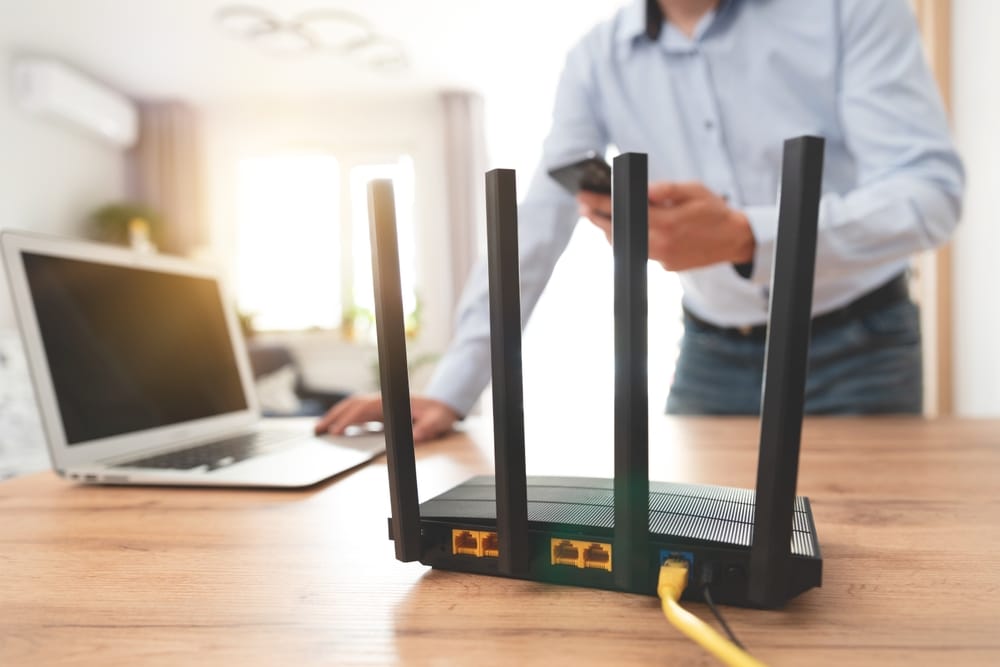
A slow office WiFi connection can turn a simple workday into a frustrating one. A video meeting freezes, a cloud file takes too long to load, employees move closer to the router to get a better signal, and connections suddenly drop when several people are online at the same time.
These problems are not always caused by your internet provider.
In many cases, the issue is the way the office network is planned, installed, and configured.
A proper office WiFi installation takes more than connecting a router and entering a password. The size of the office, number of users, building layout, connected devices, access point placement, and network security can all affect how well the connection performs.
Whether you are setting up WiFi in a new office or trying to improve an existing network, understanding these factors can help you avoid common connectivity problems.
Why office WiFi problems happen
WiFi problems can have several causes, and sometimes more than one issue is responsible.
A small office with only a few employees may work reasonably well with a simple setup. A larger workplace with multiple rooms, floors, meeting areas, employees, printers, phones, cameras, laptops, and other connected devices has very different requirements.
Some common problems include:
• Weak signals in certain rooms
• WiFi dead zones
• Slow connection speeds
• Frequent disconnections
• Poor performance during busy hours
• Too many devices competing for network capacity
• Interference from walls and other equipment
• Poor router or access point placement
• An outdated network setup
The important thing is to identify the actual cause instead of assuming that buying a faster internet package will solve everything.
A faster internet plan is not always the answer
It is easy to blame slow WiFi on the internet connection.
However, your internet package and your office WiFi network are not exactly the same thing.
Your internet service determines how much internet bandwidth reaches your location. Your internal network determines how that connection is distributed throughout the workplace.
For example, imagine an office has a fast internet connection but only one router placed at one end of a large floor. Employees working farther away may still experience weak coverage.
Upgrading the internet package may not solve the underlying coverage problem.
This is why proper network planning matters.
What is involved in office WiFi installation
A professional WiFi setup normally starts with understanding the office rather than immediately installing equipment.
The layout, walls, work areas, meeting rooms, number of employees, connected devices, and expected usage all need to be considered.
The network may then use a combination of routers, wireless access points, switches, and wired connections depending on the requirements.
The goal is to provide reliable coverage where employees actually need it.
A good installation should also leave room for future growth instead of being designed only for the number of devices you have today.
Common office WiFi problems and possible solutions
Understanding the relationship between a problem and its possible cause can make troubleshooting much easier.
| Office WiFi problem | Possible cause | Potential solution |
|---|---|---|
| Weak signal in certain rooms | Distance or physical obstacles | Reposition or add access points |
| WiFi dead zones | Poor coverage planning | Conduct a coverage assessment and improve access point placement |
| Slow speeds during busy hours | Too many connected devices | Improve network capacity and configuration |
| Frequent connection drops | Interference or network configuration issues | Check equipment, channels, and network settings |
| Poor meeting room connection | Weak coverage in that area | Add or reposition an access point |
| Slow connection on multiple floors | One router cannot cover the entire space effectively | Use appropriately positioned access points |
| Unreliable wireless devices | Congestion or poor signal | Review network design and device distribution |
The right solution depends on the actual cause. Adding equipment without understanding the problem can sometimes create new issues rather than fixing the original one.
Office layout matters more than you might think
The physical design of an office can have a major effect on WiFi performance.
Walls, floors, furniture, equipment, and the distance between users and networking hardware can all influence wireless coverage.
An open office may have different requirements from an office divided into many rooms.
A multi-floor workplace also needs careful planning because a signal that works well on one floor may not provide reliable coverage on another.
During office WiFi installation, access points should be positioned based on the layout and expected usage rather than simply placed wherever there is a convenient power outlet.
Why access points are important
A wireless access point allows devices to connect to a network over WiFi.
For a small office, one router may sometimes provide enough coverage. But larger offices may need multiple access points positioned throughout the workplace.
This can help provide more consistent coverage and reduce the need for employees to work close to a single router.
The number and placement of access points should depend on factors such as office size, layout, walls, number of users, device density, and expected network activity.
More access points do not automatically mean better WiFi. Poor placement or incorrect configuration can create interference and other problems.
Avoiding WiFi dead zones
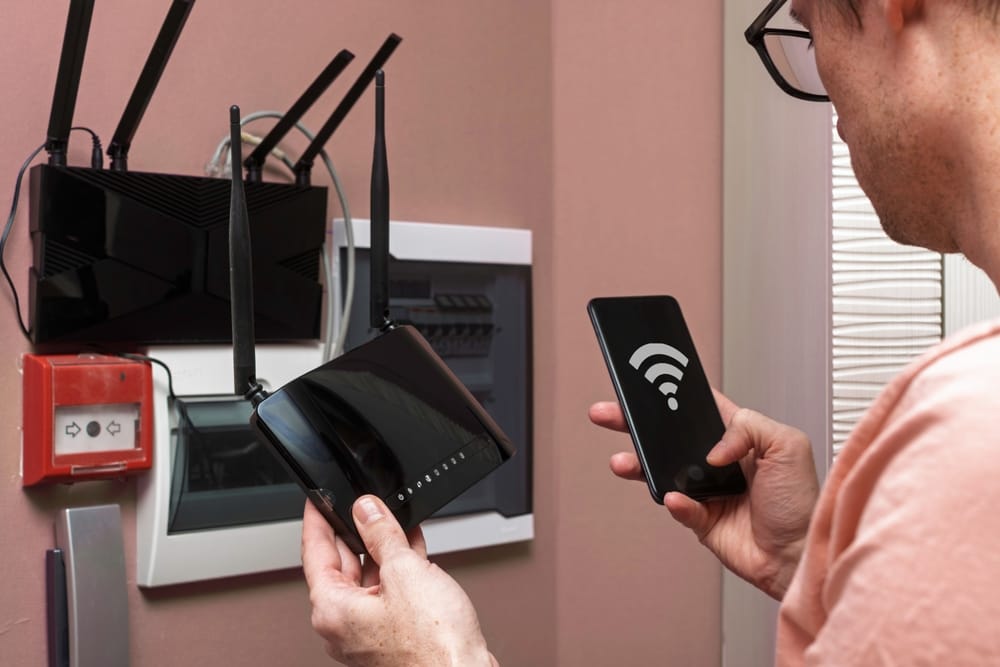
A WiFi dead zone is an area where the wireless signal is too weak or unreliable to provide a useful connection.
You may notice dead zones in:
• Meeting rooms
• Corner offices
• Hallways
• Storage areas
• Areas separated by thick walls
• Different floors
• Larger open spaces that are far from the main networking equipment
The first step is finding out where the weak areas actually are.
A professional assessment can help identify coverage gaps and determine whether the solution involves repositioning equipment, adding access points, improving configuration, or using wired connections.
Do not ignore the number of connected devices
Modern offices can have far more connected devices than employees.
Think about laptops, smartphones, tablets, printers, conference room equipment, smart displays, VoIP phones, security cameras, access control devices, and other connected technology.
When many devices use the network at the same time, the network needs enough capacity to handle that activity.
This is particularly important in offices where employees regularly use cloud applications, video conferencing, large file transfers, remote systems, and other bandwidth-intensive services.
A network designed for ten users may not perform the same way when an office grows to thirty or fifty users.
Meeting rooms need reliable WiFi too
Meeting rooms are often overlooked when businesses plan their network.
A meeting room may need to support laptops, smartphones, wireless displays, video conferencing equipment, and other devices simultaneously.
If the WiFi signal is weak in that room, employees may experience frozen video calls, poor audio, slow file access, or difficulty connecting to presentations.
When planning a business network, consider the areas where people actually work and communicate rather than focusing only on the main office area.
Wired and wireless connections can work together
Not every device needs to connect through WiFi.
For equipment that stays in a fixed location, a wired Ethernet connection may provide a more consistent option.
Depending on the office, wired connections can be useful for:
• Desktop computers
• Network printers
• Servers
• Access points
• Security cameras
• VoIP equipment
• Other fixed devices
WiFi can then provide convenient wireless access for laptops, phones, tablets, and employees who need mobility.
A combination of wired and wireless networking can make sense for businesses with different types of devices and usage requirements.
Network security should be part of the setup
A reliable office network also needs appropriate security.
Businesses often handle customer information, internal documents, financial data, login credentials, and other sensitive information through connected devices.
Basic security practices should include strong passwords, secure network configuration, updated networking equipment, controlled access, and a separate guest network where appropriate.
Guest WiFi can be particularly useful because visitors can access the internet without necessarily being placed on the same network used for internal business devices.
Network security should be considered during the initial setup rather than treated as an afterthought.
How to avoid connection drops
Frequent connection drops can have several possible causes.
The problem could be related to weak coverage, interference, overloaded equipment, network configuration, outdated hardware, or other technical issues.
If employees regularly lose their connection, start by identifying whether the problem happens:
• In one particular area
• On certain devices
• During specific times
• When many people are connected
• Across the entire office
This information can help narrow down the cause.
Simply restarting the router every time the connection drops may provide temporary relief, but it does not address an underlying network design problem.
Small office WiFi needs can be different
A small office does not necessarily need an elaborate network. If the workplace has a limited number of users and a simple layout, a straightforward setup may provide adequate coverage. However, even a small business should think about future growth.
Adding employees, devices, meeting rooms, security equipment, and cloud applications can gradually place more demand on the network.
Planning with some room for growth can prevent the business from having to completely redesign its network later.
Larger offices require more planning
Larger workplaces often have more complex requirements. A multi-floor office, for example, may need multiple access points, switches, structured cabling, and carefully planned coverage. The network may also need to support different groups of users and devices. This is where professional network planning can become particularly valuable.
Instead of installing equipment based on guesswork, the network can be designed around the physical workplace and expected usage.
Professional installation can make a difference
Professional office WiFi installation is not simply about mounting access points and connecting cables.
It can involve assessing the office layout, identifying coverage requirements, choosing suitable equipment, planning access point locations, configuring the network, testing performance, and making adjustments.
This can be especially useful for businesses experiencing persistent dead zones or connection problems.
Sharif Technologies provides business networking setup, WiFi installation and optimization, structured cabling installation, and network security solutions designed around the needs of homes and businesses.
You can explore its networking and structured cabling solutions to learn more about its networking services.
Office WiFi installation checklist
Before installing or upgrading your office network, consider the following:
• How large is the office?
• How many employees will use the network?
• How many devices need to connect?
• Are there multiple floors?
• Are there existing WiFi dead zones?
• Where are the meeting rooms located?
• Which devices should use Ethernet?
• Will the business grow in the future?
• Is a separate guest network needed?
• Is the network properly secured?
• Does the current equipment have enough capacity?
• Has WiFi coverage been properly tested?
Answering these questions can help you understand what your office actually needs instead of choosing equipment based only on specifications or price.
When should you upgrade your office WiFi?
You may want to consider reviewing your network if employees regularly complain about slow connections or if your business has recently grown.
Other signs include:
• New areas of the office have poor coverage
• More employees are joining the business
• Video meetings frequently have connection problems
• Cloud applications feel unusually slow
• More connected devices are being added
• Your networking equipment is outdated
• Employees frequently move around to find a stronger signal
A network that worked well several years ago may not be suitable for the demands of a growing business today.
Final thoughts
Reliable office WiFi starts with proper planning.
A faster internet package alone cannot fix poor coverage, badly positioned equipment, network congestion, or an office layout that creates dead zones.
A well-planned office WiFi installation considers the size of the workplace, number of users, connected devices, access point placement, wired connections, security, and future growth.
Whether you operate a small office or a larger multi-floor workplace, the goal should be simple: employees should be able to connect where they need to work without constantly dealing with slow speeds, weak signals, or unexpected disconnections.
When the network is designed around the actual needs of the business, WiFi becomes something employees can rely on rather than something they have to troubleshoot throughout the workday.
Frequently asked questions
What is office WiFi installation?
Office WiFi installation involves planning, installing, configuring, and testing wireless networking equipment to provide reliable WiFi coverage throughout a workplace.
Why does my office WiFi keep disconnecting?
Connection drops can be caused by weak coverage, interference, overloaded equipment, outdated hardware, or network configuration problems. The cause should be identified before choosing a solution.
How can I improve WiFi coverage in my office?
Improving coverage may involve repositioning networking equipment, adding appropriately placed access points, improving configuration, or using wired connections where suitable.
Is one router enough for an office?
It depends on the size and layout of the office and the number of connected devices. A small office may work with one router, while larger workplaces may require multiple access points.
How many access points does an office need?
There is no fixed number that works for every office. Requirements depend on the building layout, size, walls, number of users, device density, and expected network activity.
Should an office use wired and wireless connections?
Many offices can benefit from using both. Fixed equipment can use Ethernet connections while employees can use WiFi for laptops, smartphones, and other mobile devices.
Does office size affect WiFi performance?
Yes. Larger spaces, multiple floors, thick walls, and greater distances between users and networking equipment can all affect wireless coverage and performance.
When should a business upgrade its WiFi network?
Consider reviewing the network when the business grows, more devices are added, employees experience frequent connection problems, or existing equipment no longer provides adequate coverage and capacity.